Color by Number:Coloring Games
Wildlife StudiosBoard
4.616.13K Reviews
- Version
- 4.51.0
- Installs
- 100.00M
- Age Rating
- Everyone
Screenshots
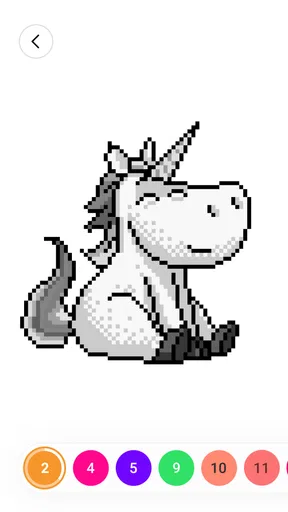
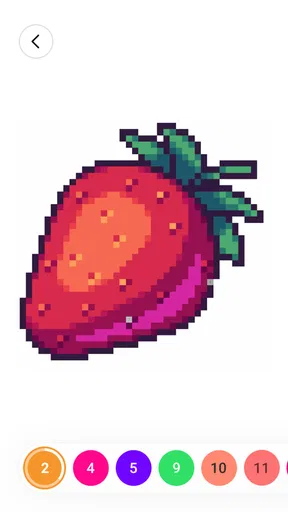
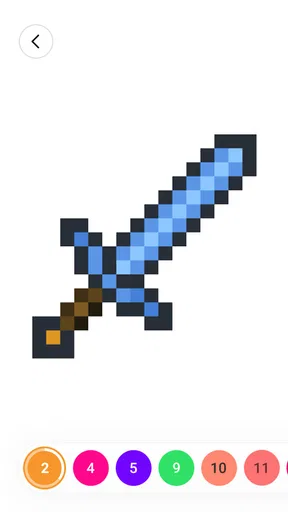

Our Review of Color by Number:Coloring Games
 Analysis by Appyee
I like a coloring game best when it makes it easy to settle in for a few minutes without turning the activity into a project. Color by Number: Coloring Games is built around that simple appeal: choose a picture, match numbered spaces to colors, and watch the image take shape. It is a casual board-style game from Wildlife Studios, and its straightforward approach makes it approachable even if you have no interest in drawing by hand.
That focus also sets expectations. This is not a sketching tool where you decide the composition, mix colors, or make every mark yourself. The pleasure comes from following a clear pattern and seeing a finished picture emerge. I’d recommend it to someone who wants a gentle, structured pastime; if you’re looking for freeform art or a competitive game, this is probably not the right fit.
Color Your World with Ease
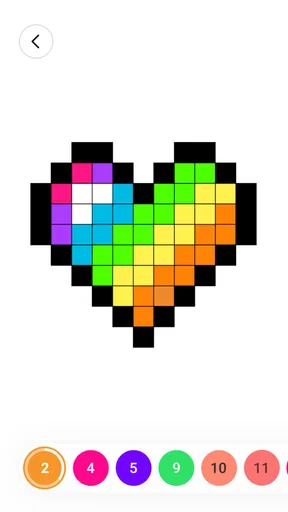
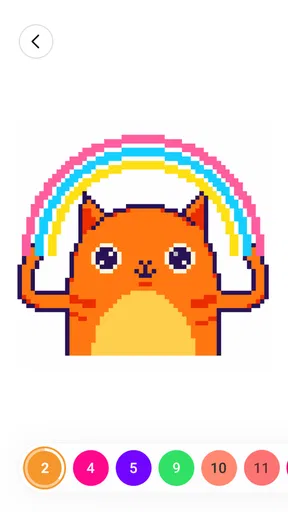
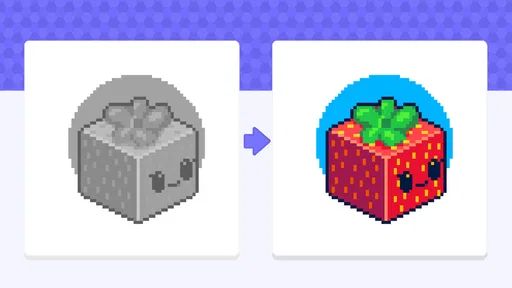
The premise of Color by Number: Coloring Games is pretty straightforward. You’re given an image that's broken into sections, each marked with a number. Your task is to fill in these sections with the right colors, and voilà, you’ve got yourself a masterpiece! The app features an array of images to color, ranging from cute animals to breathtaking landscapes. It’s like having a virtual coloring book in your pocket.
Intuitive and User-Friendly
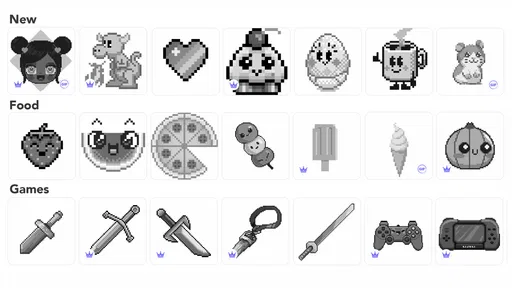
One of the first things I noticed was how user-friendly the app is. Whether you’re a seasoned artist or just someone looking to pass the time, the interface is clean and intuitive. Navigating through the different categories is a breeze, and selecting an image to start coloring is just a tap away. No fuss, no muss.
The low-pressure format is especially useful in short gaps in the day. I can imagine opening a picture while waiting for a kettle to boil, then returning to it later instead of needing to finish in one sitting. The automatic save mentioned in the app’s features supports that stop-and-start rhythm. For a smoother session, I’d choose an image with areas I can comfortably tap on a phone screen; very small numbered sections naturally ask for more careful zooming and can feel fiddly when I’m in a hurry.
Features that Pop
The app doesn’t just stop at basic coloring. Oh no, it offers a bunch of nifty features that make the experience even more enjoyable. For instance, there’s a handy zoom function that lets you get up close and personal with those tiny sections. Plus, the app automatically saves your progress, so you can pick up right where you left off.
Those two details work best together: I’d zoom in to handle dense patches, then zoom back out every so often to check how the whole image is coming together. That small habit helps me avoid treating the picture as a long list of tiny taps. It also makes the game easier to use in brief sessions, because I can leave a section unfinished without losing the broader sense of progress.
Another cool feature is the ability to share your finished artwork on social media. I mean, why keep your colorful creations to yourself when you can show them off to the world? You can also unlock more images through in-app purchases, which keeps the content fresh and exciting.
The game is free to start, while optional purchases range from $7.99 to $99.99 per item. I’d treat those as a choice about how much extra content I want, not as a requirement for enjoying the basic coloring loop. If I were deciding whether to spend, I’d first use the pictures already available and see whether I still want more; the large upper end makes it worth checking the purchase details carefully before confirming anything.
A Splash of Relaxation
Perhaps the biggest draw of Color by Number: Coloring Games is its ability to help you relax. There’s something incredibly soothing about filling in those little sections with color. It’s almost meditative. I found myself getting lost in the process, and before I knew it, an hour had flown by. It's like a mini-vacation for your mind.
That calm is a matter of personal taste, though. The numbered workflow gives me a clear next step, which can make it easier to unwind than a blank canvas. On the other hand, if I want to make my own color choices or practice actual drawing, a sketchbook app or paper and pencils would be more satisfying. This is a guided activity, not a substitute for creative control.
On top of that, the app features calming background music that adds to the overall zen vibe. You can also turn off the music if you prefer to color in silence or with your own tunes playing in the background.
For an everyday routine, I’d keep the music decision simple: use it when I want the app to feel like a contained break, and switch it off when I’m listening to something else or need a quieter setting. The ability to choose matters because relaxing sound can be pleasant for one person and distracting for another. I would also set a stopping point before opening a detailed picture; the ease of “just finishing one more area” can make a quick break stretch longer than intended.
What It’s Like to Return to the Game
Color by Number: Coloring Games has been available since January 4, 2018, and the current version is 4.23.0. Those milestones give a useful sense of a long-running app that continues to have a current release, but they don’t by themselves tell me which individual features changed along the way. I wouldn’t assume a particular update added a specific tool or image set without seeing that change clearly in the game.
For someone who already uses it, the most practical question is whether the current version still suits their routine: can they find a picture they want to work on, resume a partly completed one, and use zoom when details get tight? The core numbered-coloring idea remains easy to understand. If an existing user is considering an update, I’d look at the version shown on their device and whether the app still runs well there, rather than expecting a release number alone to promise a different experience.
It also has a broad audience: the age rating is Everyone, and the game has an average rating of 4.7 from around 349,000 ratings, with over 50 million installs. That reach suggests many people have found the format appealing, though popularity cannot tell me whether its particular picture style or tapping pace will suit you. I’d judge it by trying a few images and seeing whether the small, repeatable actions feel pleasant rather than tedious.
Where It Fits—and Where It Doesn’t
Compared with a physical coloring book, this is easier to carry and offers a guided number-to-color process, but it cannot reproduce the feel of pencils or paper. Compared with a freeform drawing app, it asks for less planning and gives faster structure, while offering much less room to invent. Those differences are the point: it works best when I want a low-effort activity with a defined finish, not when I want to make a picture entirely my own.
I’d skip it if tiny taps frustrate you, if you need a game with strategic choices or multiplayer interaction, or if you want to create original artwork from a blank page. The same goes for anyone who finds numbered coloring repetitive: the routine is central rather than a side mode. For a parent choosing a calm activity for a child, the Everyone rating is reassuring as a basic age classification, but I’d still look at the app together and decide whether the pace and any optional purchases are appropriate.
A useful way to test the fit is to start a picture when you have a little unclaimed time, complete a few areas, and then leave it. If returning to the saved image feels inviting, the game is doing what it is meant to do. If you find yourself tapping through colors only to reach the end, a different kind of puzzle or a creative app may hold your attention better.
What I’d Keep in Mind
Wildlife Studios’ game is free to download and requires Android 6.0 or later. Its current version is 4.23.0, and the in-app purchase range runs from $7.99 to $99.99 per item. Those details are useful when checking compatibility and deciding whether to explore paid content, but they don’t change the basic question: do you enjoy filling a picture one numbered space at a time?
My practical advice is to use the zoom for crowded areas, rely on saved progress for short sessions, and decide on a spending limit before browsing optional content. The first two habits make the central activity less fiddly; the last keeps a relaxing game from becoming an unplanned purchase. I’d also switch off the music whenever it competes with the setting rather than forcing myself to use the app in one particular way.
The game’s board-game classification may sound more strategic than the experience feels. In practice, I’d think of it as a quiet, guided coloring pastime: there is a clear task, but not the kind of tactical decision-making found in a traditional board game. That distinction helps set expectations for anyone browsing by category and wondering whether they’ll be planning moves or simply completing a picture.
A Gentle Recommendation, with Limits
In a world where stress is all too common, Color by Number: Coloring Games offers a simple yet effective escape. The app is well-designed, packed with features, and most importantly, it’s a lot of fun. Whether you're a kid or just a kid at heart, this app is sure to bring a splash of color into your day. So, grab your virtual paintbrush and start coloring your way to relaxation!
I’d recommend it most to people who like visible progress, prefer clear instructions to a blank canvas, and want an activity they can pause and resume. I wouldn’t choose it for serious art practice or for a lively group game, and I’d keep the purchase range in mind if I’m tempted by extra pictures. Within those limits, it is an approachable way to turn a spare moment into a small, finished creative task.
What I’d watch for over time is whether the app continues to feel comfortable on the device I use and whether the available pictures keep me interested. The version number and long-running presence are context, not a promise about future changes. For now, the strongest reason to try it is also the simplest: if matching colors to numbered spaces sounds calming rather than monotonous, this is an easy format to sample and judge for yourself.
Privacy and Permissions
See what permissions an app requests and how it handles your data.
- Photos/Media/Files
- read the contents of your USB storage, modify or delete the contents of your USB storage
- Storage
- read the contents of your USB storage, modify or delete the contents of your USB storage
- Camera
- take pictures and videos
- Wi-Fi connection information
- view Wi-Fi connections
- Other
- view network connections, full network access, change your audio settings, run at startup, reorder running apps, draw over other apps, control vibration, prevent device from sleeping, Google Play license check
Verdict
Strengths of Color by Number:Coloring Games
- Wide variety of designs available.
- User-friendly and intuitive interface.
- Regular updates with new artworks.
- Relaxing and stress-relieving experience.
- Offline mode available for convenience.
Limitations of Color by Number:Coloring Games
- Ads can be intrusive at times.
- Some designs require in-app purchases.
- Limited color customization options.
- Occasional app crashes reported.
- Battery drain on prolonged use.
Other Releases by Wildlife Studios
View All
Sniper 3D:Gun Shooting Games
Action4.6

Block Craft 3D:Building Game
Arcade4.5

Flight Pilot: 3D Simulator
Role Playing4.1

Bike Race:Motorcycle Games
Racing4.4
Similar Picks in This Category
View All
Ludo King®
Gametion4.1

Ludo
Yarsa Games4.6

Tile Master® - Matching Game
Higgs Studio3.6

Checkers Online
CC Games4.6

Dominoes
Loop Games4.7

Chess
Chess Prince4.6
Frequently Asked Questions
What is Color by Number: Coloring Games?
Color by Number: Coloring Games is a digital coloring book app available for Android and iOS platforms. It allows users to engage in stress-relieving activities by filling in numbered sections with corresponding colors. This app is designed to provide a relaxing and creative outlet for both adults and children.
Is Color by Number: Coloring Games free to download?
Yes, the app is free to download on both Android and iOS platforms. However, it may include in-app purchases and ads. Users can choose to pay for premium features or a subscription to remove ads and access exclusive coloring pages.
What features does Color by Number: Coloring Games offer?
The app offers a wide range of features, including a vast library of images across various categories, daily updates with new pictures, and the ability to share your finished artwork with friends. It also includes calming soundtracks to enhance the coloring experience.
Do I need an internet connection to use Color by Number: Coloring Games?
While you can enjoy some features offline, an internet connection is required for downloading new images and accessing certain updates. Staying connected ensures you have access to the latest coloring pages and any new features the developers might add.
Is Color by Number: Coloring Games suitable for children?
Yes, Color by Number: Coloring Games is suitable for children, as it features age-appropriate images and a user-friendly interface. However, parents should be aware of in-app purchases and ads, and might consider supervising younger children during use to avoid accidental purchases.
Play our best games!


